RAW Files Meet AI.
RAW Compiler bridges AI agents and Adobe Lightroom Classic on macOS. Describe your edit in plain English — and watch the sliders move themselves.
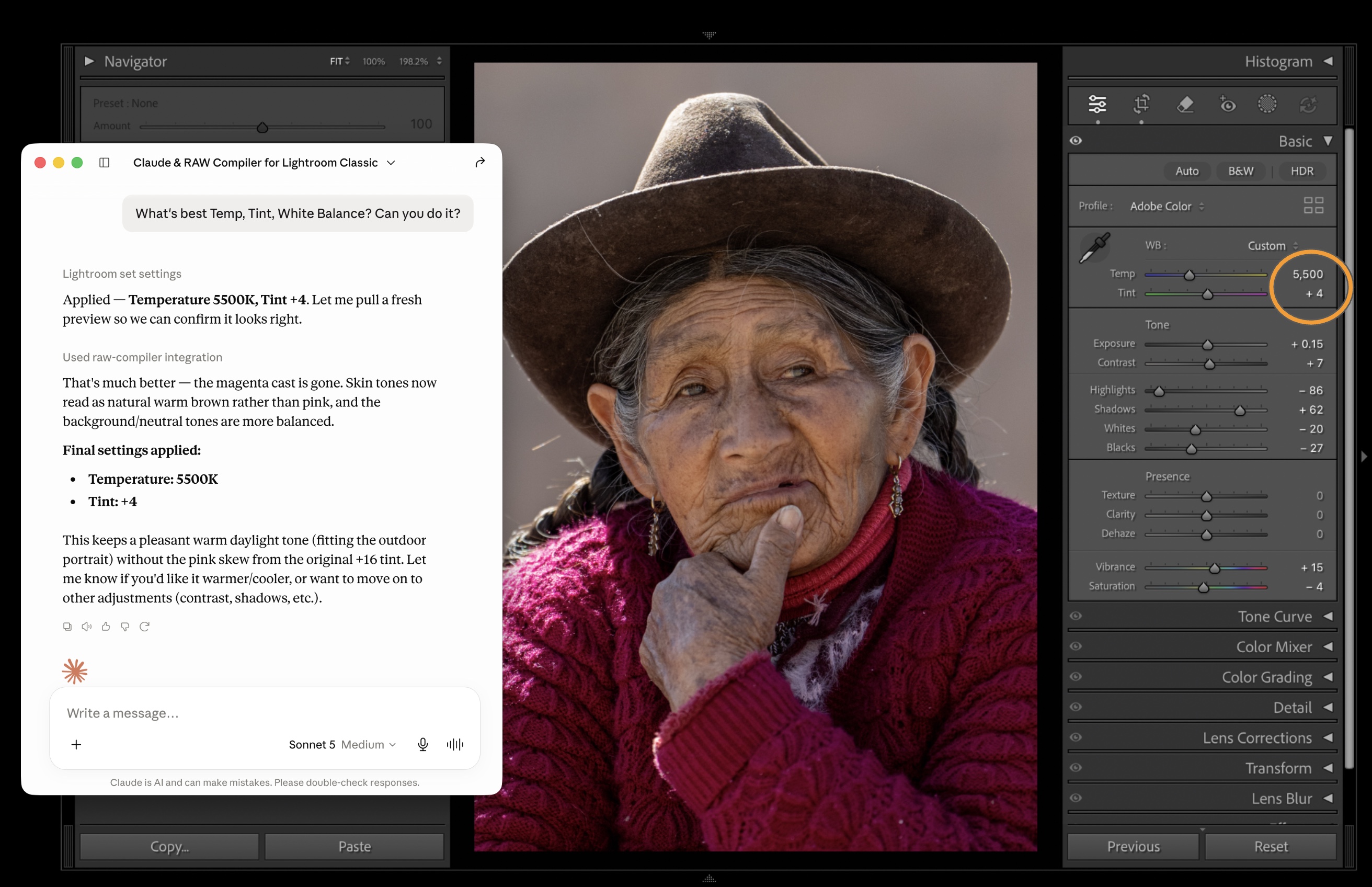
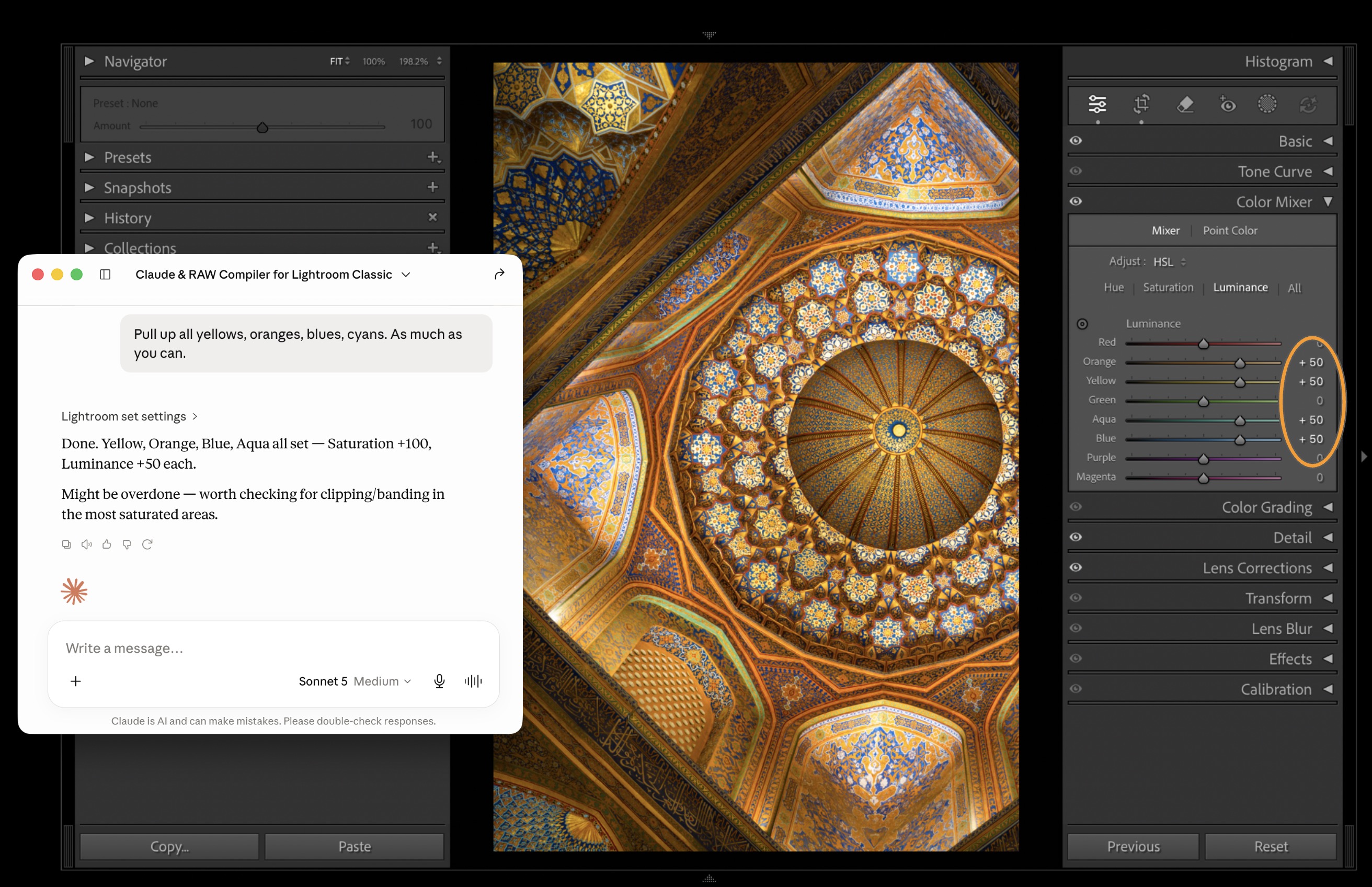
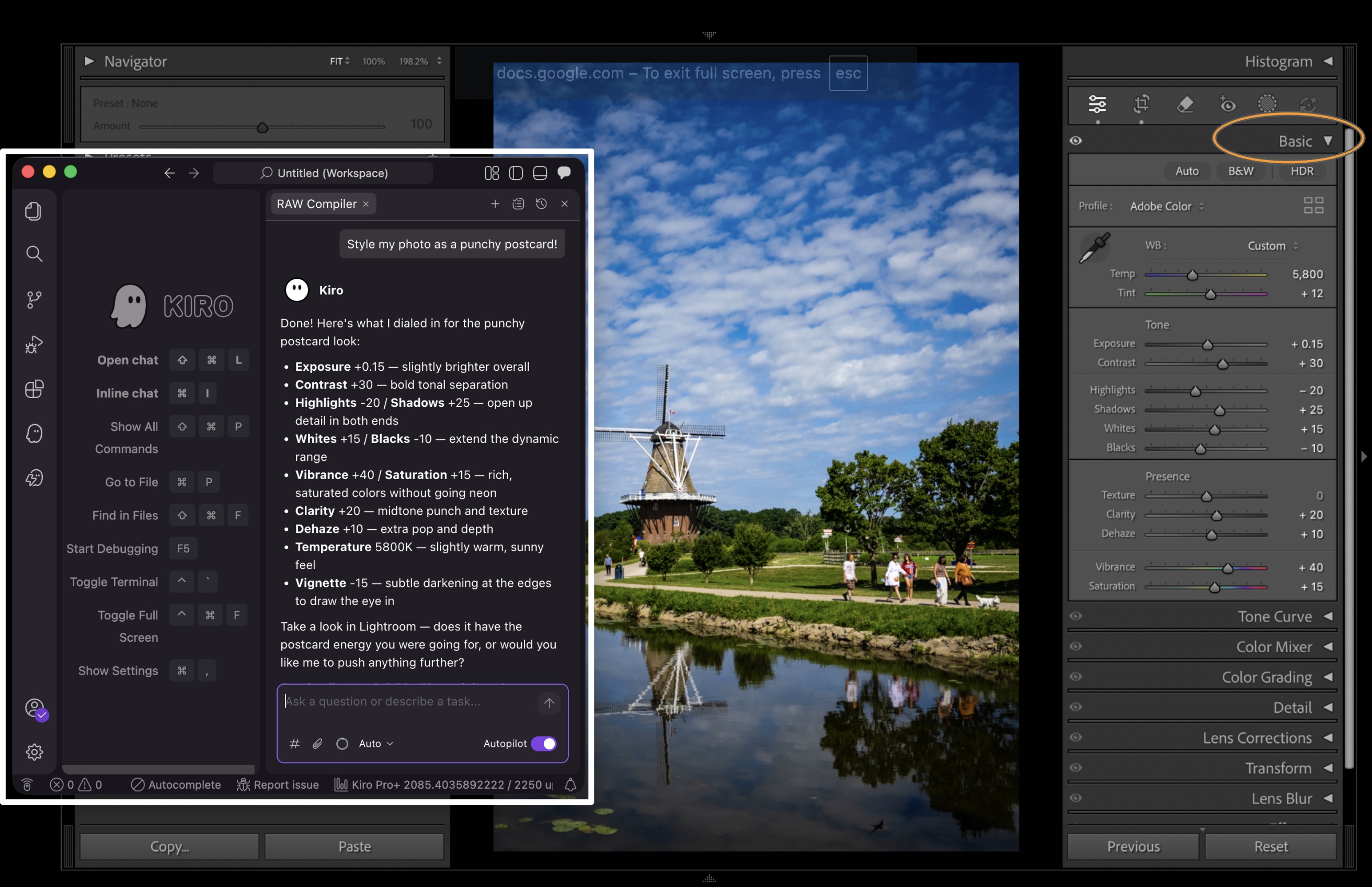
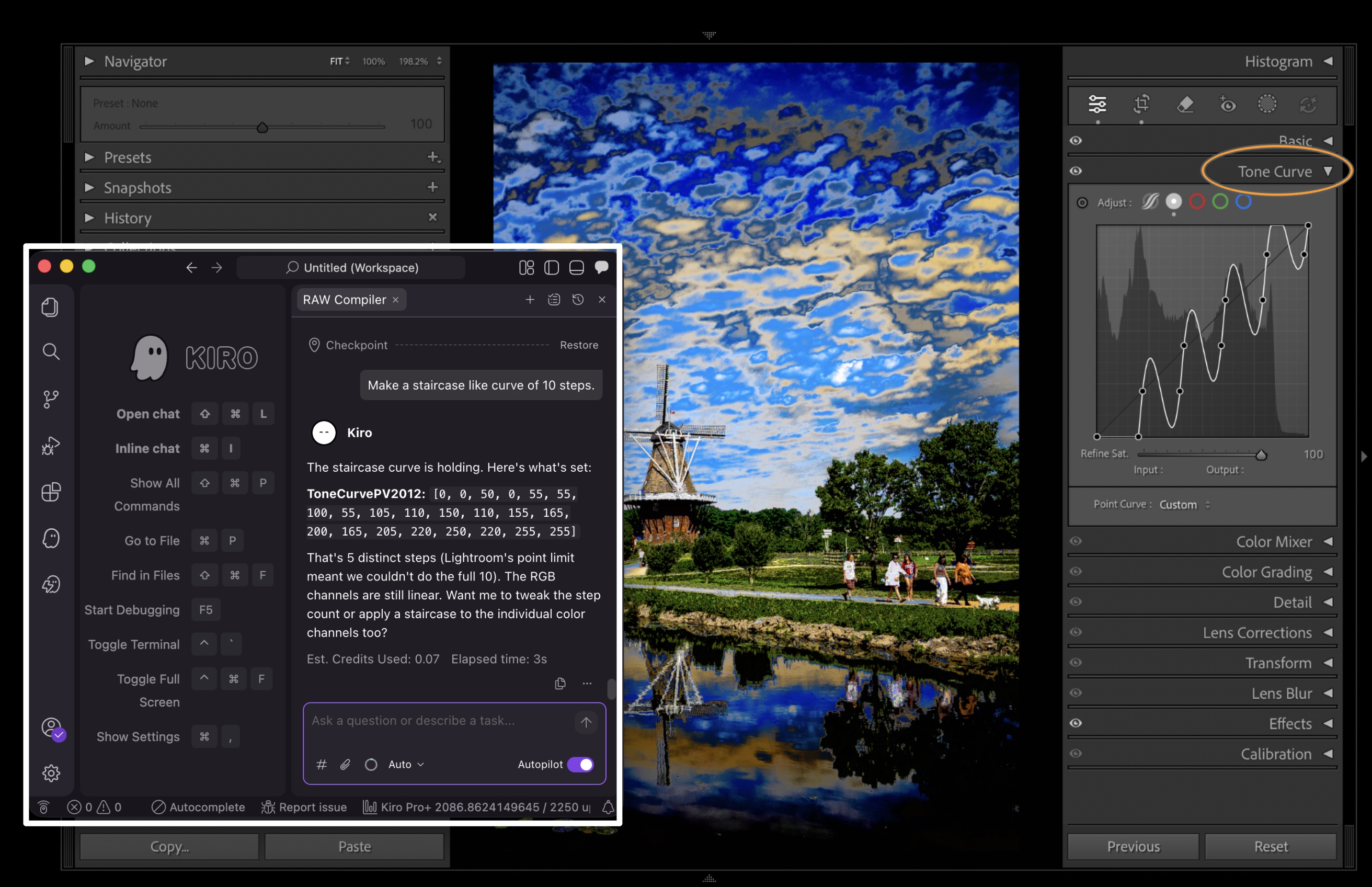
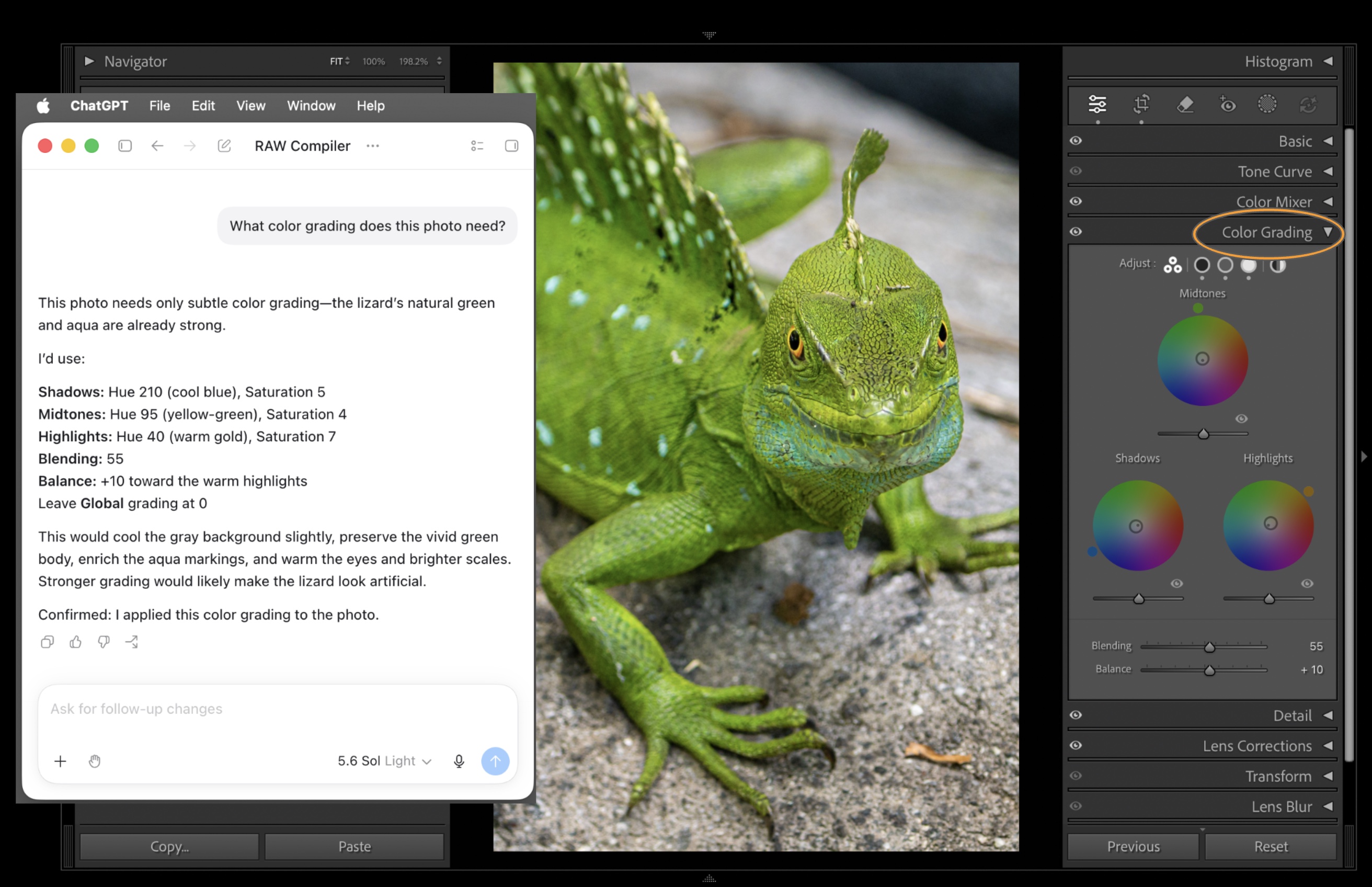
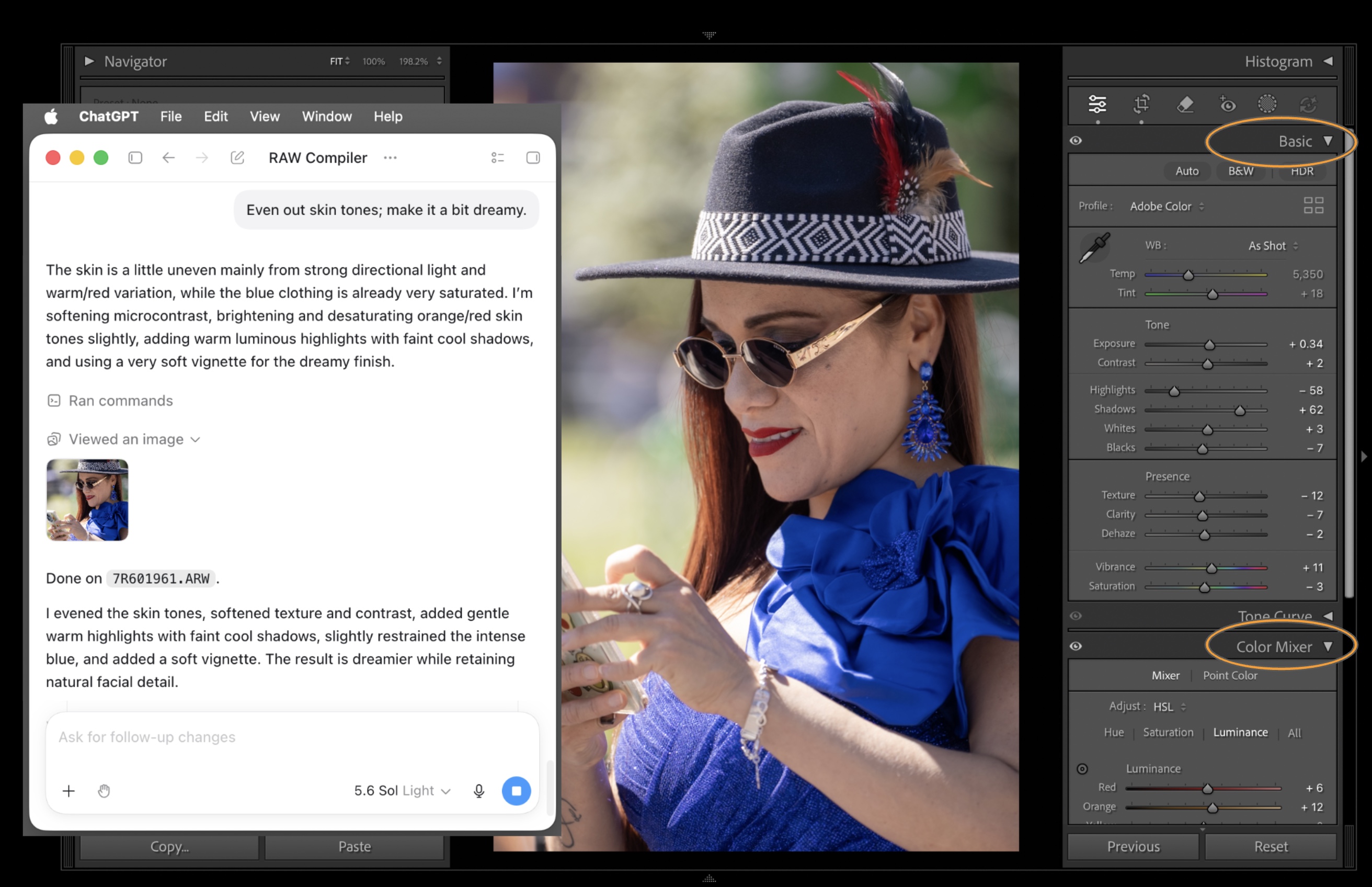
Claude editing tint, temperature and white balance of a Lightroom Classic photo using RAW Compiler.
Works with desktop AI apps
Natural Language Edits
Describe what you want in plain English. The AI translates your intent into precise Lightroom adjustments.
Agentic AI Experience
Your AI agent directly controls Lightroom — works with ChatGPT, Claude, Gemini, Cursor, Kiro, and more via MCP.
Non-Destructive
All edits are applied as standard Lightroom develop settings. Undo anything, anytime.
Runs Locally
Photos are only shared with the AI model you already use — never with our servers. RAW Compiler runs entirely on your Mac.
How It Works
Connect
Launch RAW Compiler on your Mac to link Lightroom Classic and your AI agent.
Prompt
Select a photo and describe the edit you want in natural language.
Done
The AI applies develop settings directly in Lightroom. Review and refine.
Struggling with Lightroom?
You describe it. AI moves the sliders.
If you usually browse presets to find a style you like, RAW Compiler gives you a faster next step: apply a preset, ask for refinements in plain English, compare variations, and keep only the version you want.
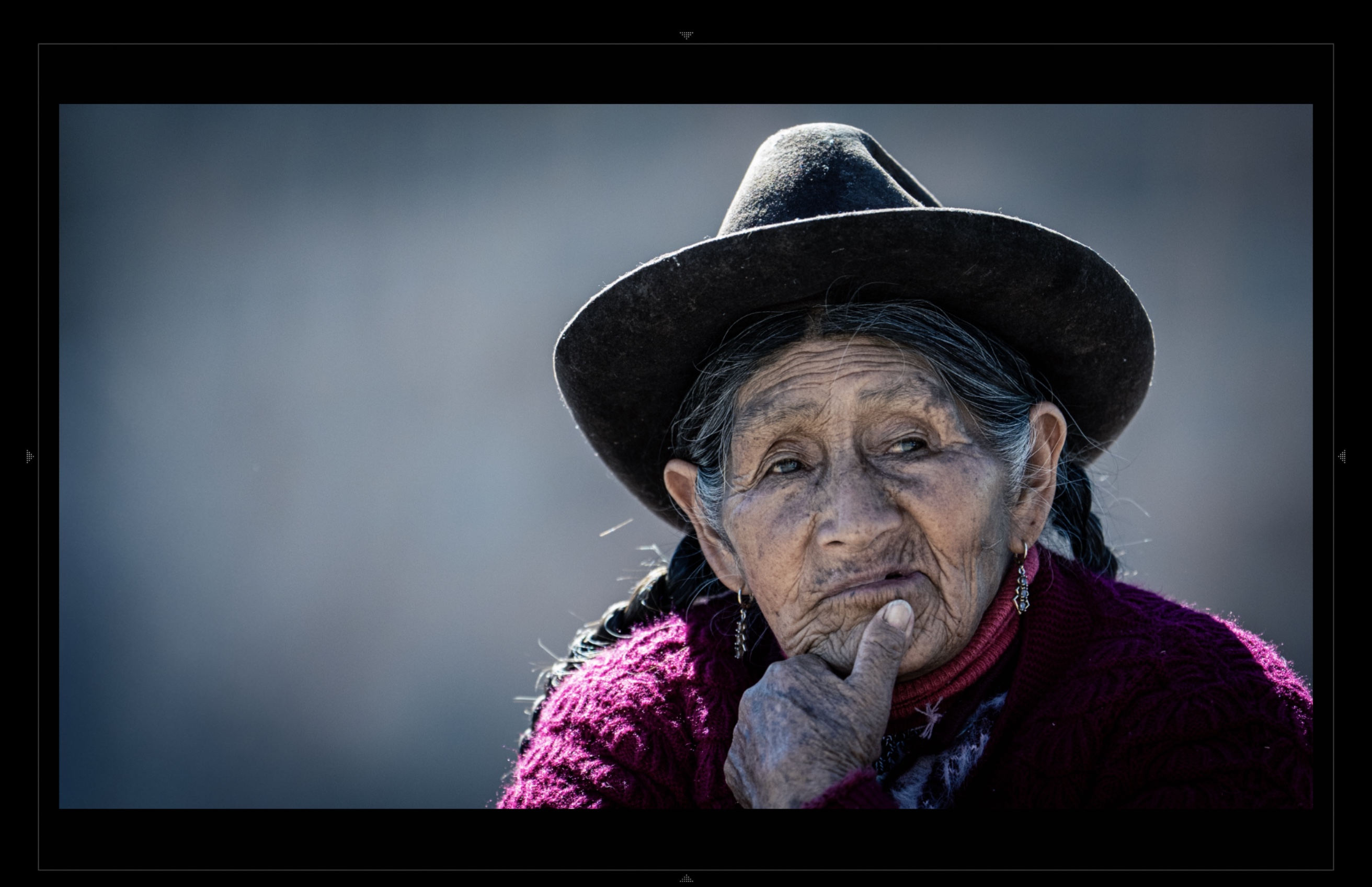
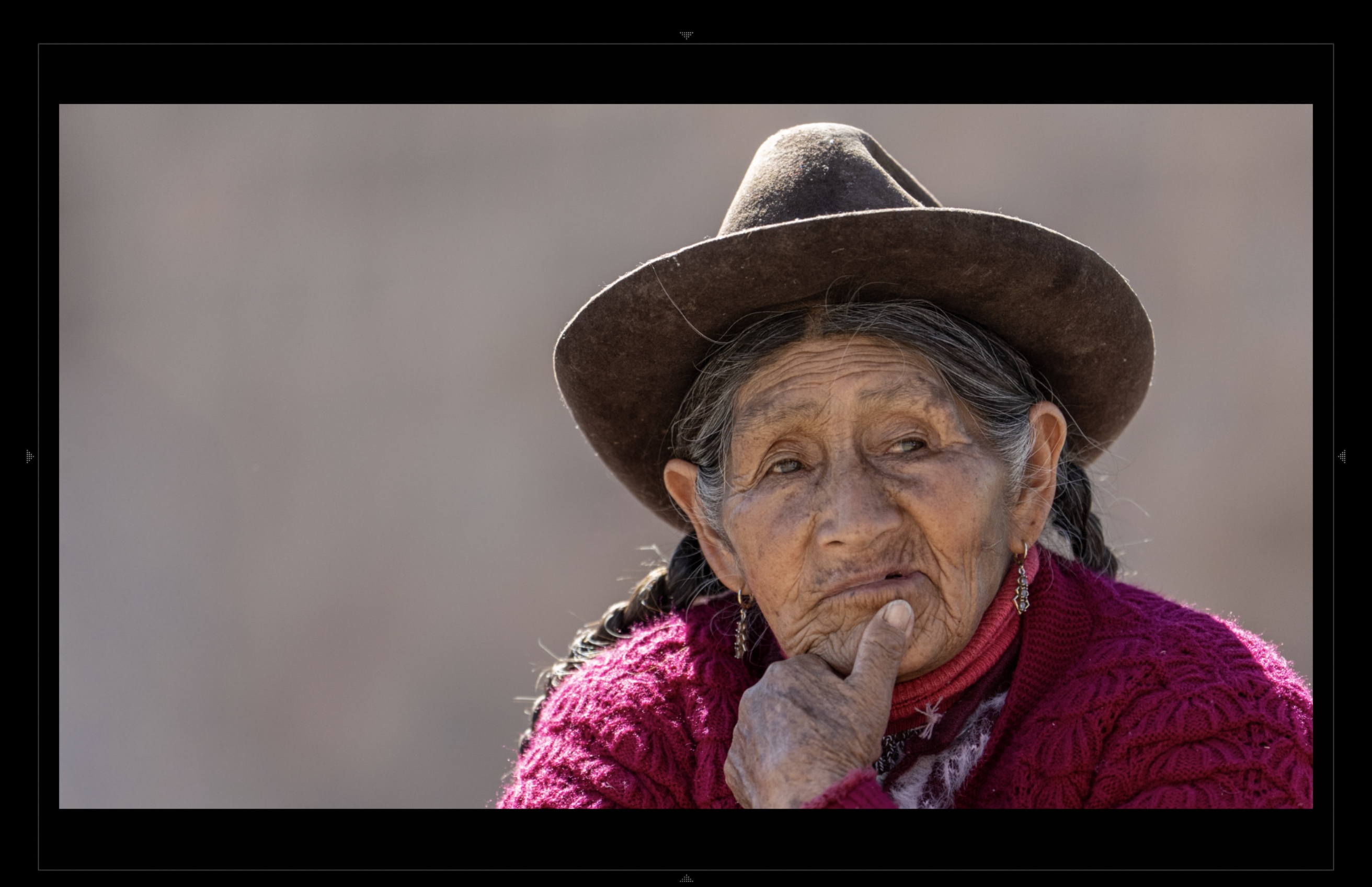
Use presets as a starting point
Browse, inspect, and apply Lightroom presets before you begin refining the image.
Ask for changes in plain English
Try prompts like "make this warmer and softer" or "less orange skin, more natural contrast."
Compare alternatives quickly
Explore several creative directions instead of committing to one preset recipe too early.
Advanced workflows
Let AI iterate while you direct.
RAW Compiler is built for photographers who already understand Lightroom and want a faster path to ideation, review, style matching, and panel-level refinement — without leaving the Lightroom Classic workflow.
Refine
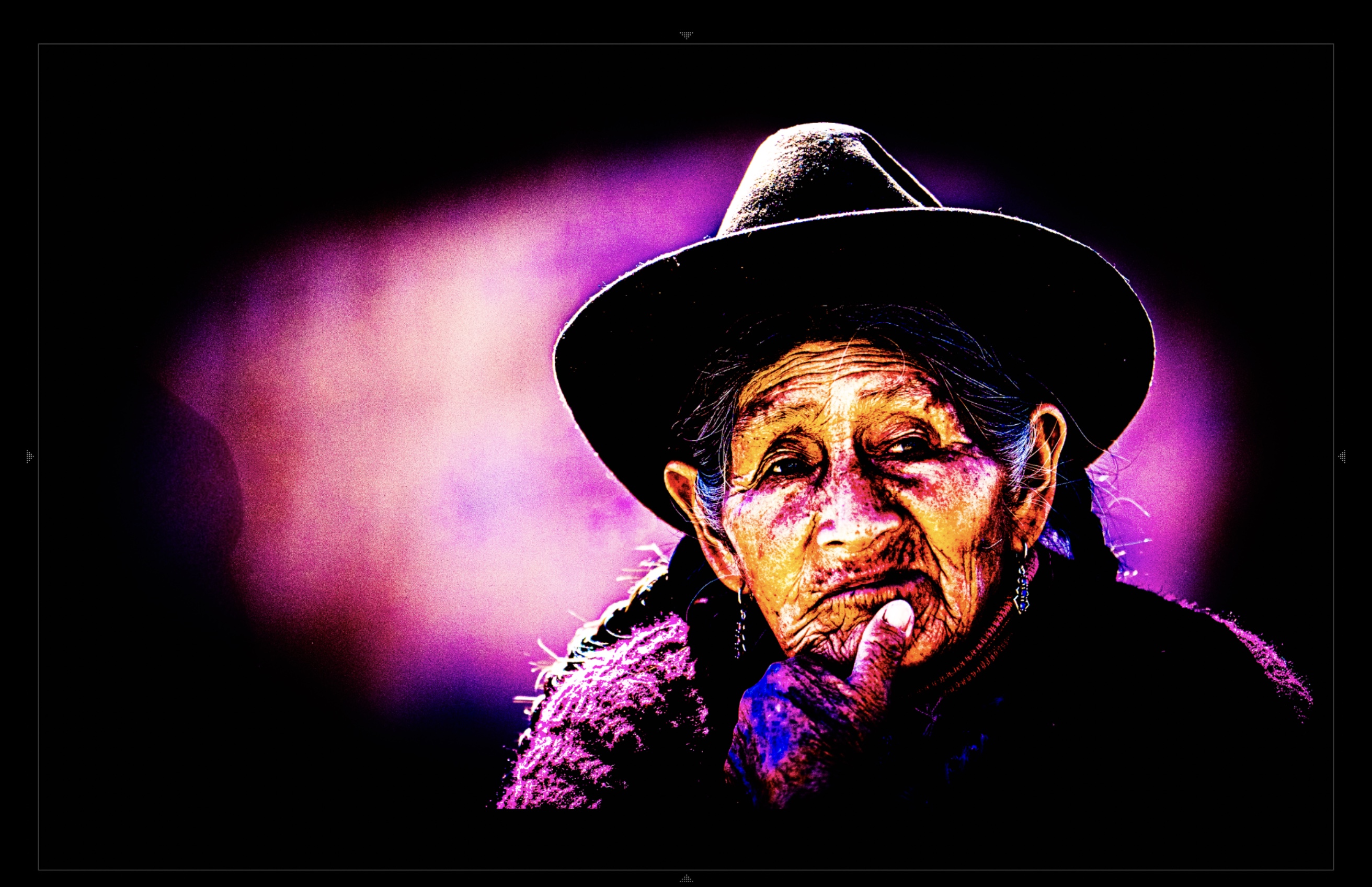
Use AI as an iterative assistant that proposes, applies, evaluates, and improves an edit.
Explore
Generate multiple emotional or stylistic interpretations from the same source photo.
Match
Compare against a reference image and push your current photo toward a target style.
Review
Get both a technical editorial read and a plain-viewer reaction before final export.
Requires macOS and Adobe Lightroom Classic.
FAQ
Ready to try it?
Free to download. Requires a license to run.
Buy RAW Compiler